





A seed packet can tell you how many weeks before frost to sow. It cannot organize thirty crop categories, remember when to pot up seedlings, or place the right reminders in the calendar you already check every day. The Casa Verde Canadian Seed-Starting Calendar was built to do exactly that.
Instead of using one generic date for every Canadian garden, the tool starts with your expected last spring frost date. It then calculates crop-specific actions for the seeds you actually intend to grow, from early onions and peppers to warm-soil cucumbers, squash, herbs, and edible flowers.
The short version
- Enter your expected last spring frost date.
- Choose from 30 Casa Verde seed categories.
- Review a dated, crop-by-crop schedule with up to 76 reminders.
- Add it to Apple Calendar, Google Calendar, or Outlook, download an ICS file, or print it.
- Subscribe as a separate Casa Verde calendar so the entire schedule can be removed later with one unsubscribe action.
Why Canada needs a personalized seed-starting calendar
“Start seeds in spring” is not useful advice in a country where spring arrives on dramatically different schedules. A coastal British Columbia garden may be workable while a Prairie garden remains frozen. Montreal, Toronto, Halifax, Calgary, Winnipeg, northern communities, and protected urban gardens all experience different frost windows, soil temperatures, and overnight lows.
Hardiness zones help describe average winter cold, but they do not give every seedling one universal outdoor date. For spring planting, a recent local frost estimate is more practical. The Casa Verde calendar uses the date you supply as an anchor, then places each task before or after it according to the crop.
This is also why the calendar is a planning tool, not a weather guarantee. A date may say it is time to transplant peppers, but cold soil or a run of 5°C nights should still win the argument.
How the Canadian Seed-Starting Calendar works
- Choose your expected last spring frost. Use a recent local weather, gardening, or extension source for your municipality or nearest reporting station.
- Select only the crops you plan to grow. Search or browse five crop groups and choose the relevant seed categories. Presets make it quick to build a pepper garden, kitchen garden, cool-season garden, or complete schedule.
- Review the generated timeline. The tool merges duplicate tasks, orders every action by date, and includes a short note explaining what to do.
- Put the plan where you will use it. Subscribe to a separate calendar, add events to Google Calendar, download an ICS file for Apple Calendar or Outlook, or print the schedule.
What the 30 seed categories cover
The calendar follows real crop families rather than treating the entire catalogue as if every seed had the same rhythm. A long-season pepper needs a different runway from a radish, and a direct-sown carrot should not receive the same reminder sequence as a transplanted tomato.
| Crop group | Included calendar categories | Typical planning needs |
|---|---|---|
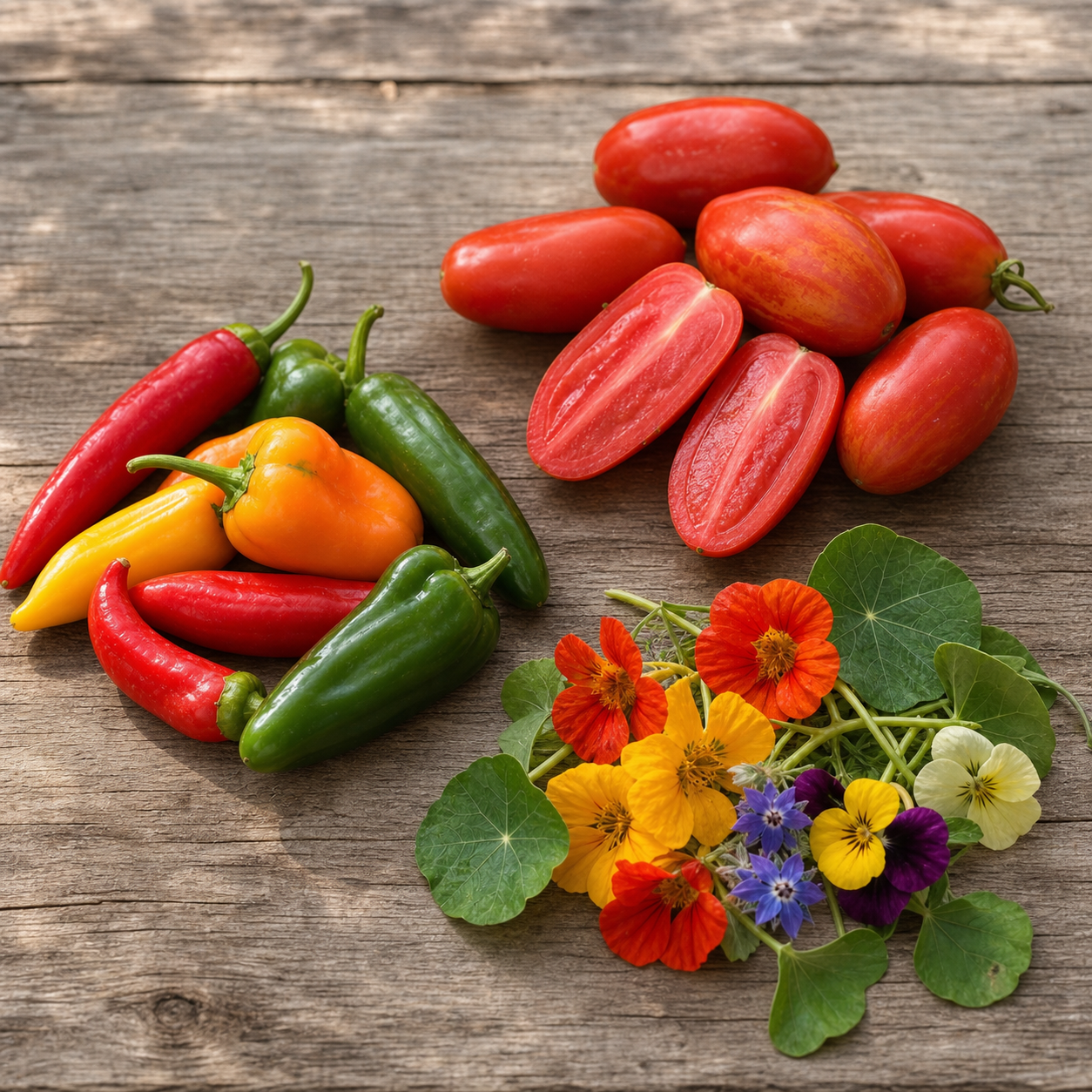
| Peppers | Complete, hot, sweet, rare, no-heat, and hot-sauce pepper collections | Early indoor sowing, long-season sowing, hardening off, warm-night transplanting |
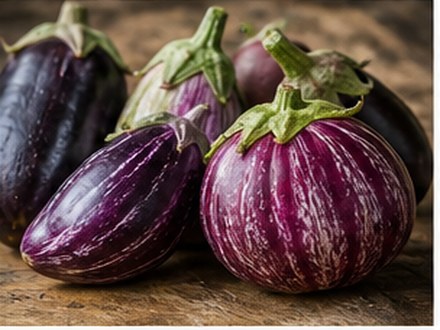
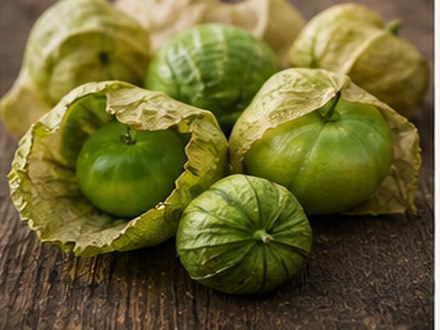
| Tomatoes & nightshades | Tomatoes, heirloom tomatoes, paste tomatoes, eggplants, and tomatillos | Indoor sowing, potting up, hardening off, warm-weather transplanting |
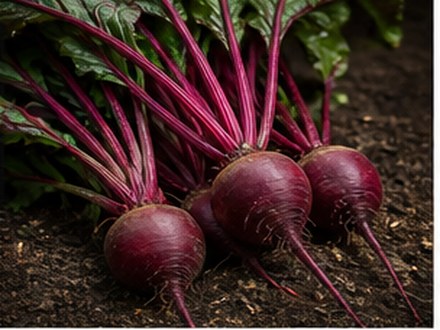
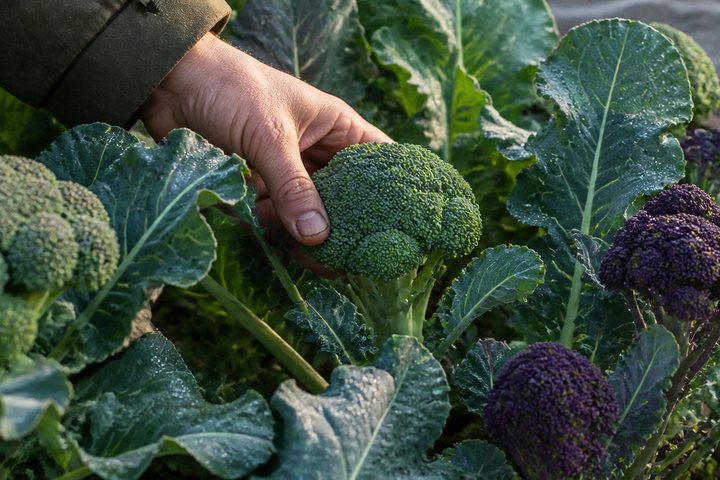
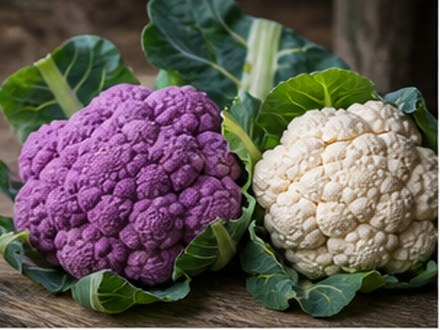
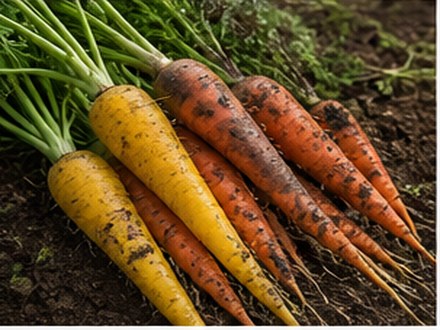
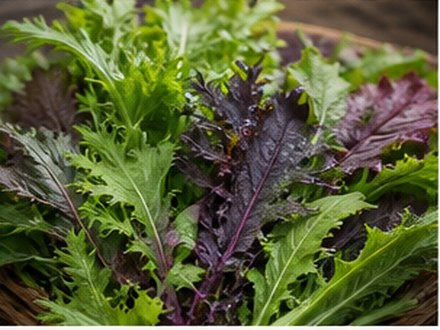
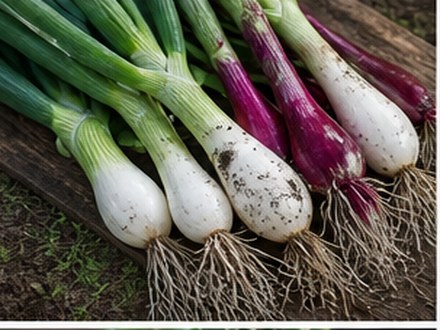
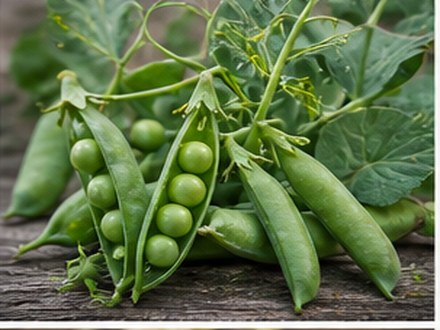
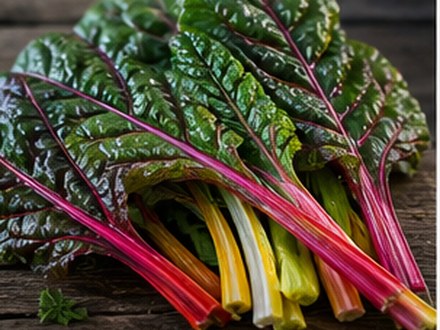
| Cool-season vegetables | Asian vegetables, beets, broccoli, carrots, cauliflower, leafy greens, onions, peas, radishes, and Swiss chard | Early starts, direct sowing, thinning, succession sowing, and fall crops |
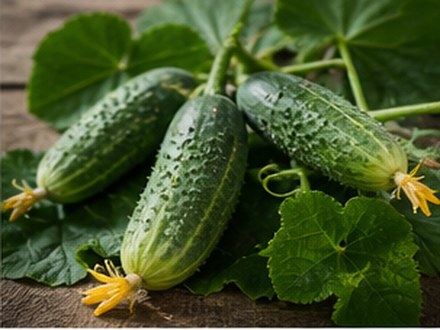
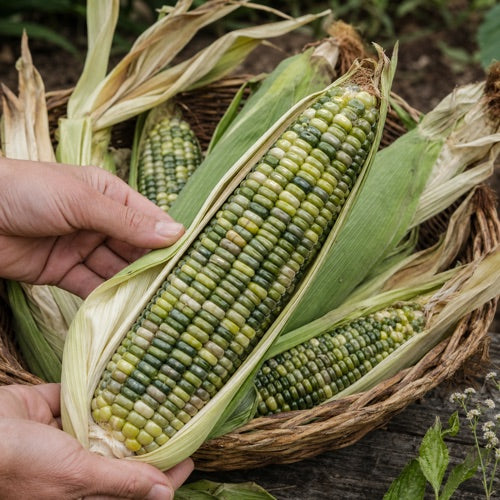
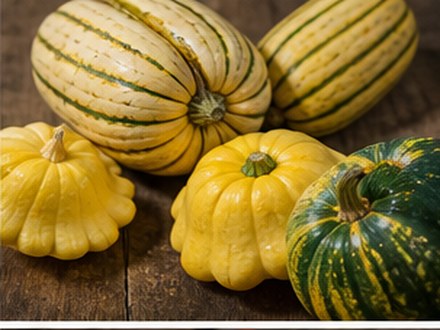
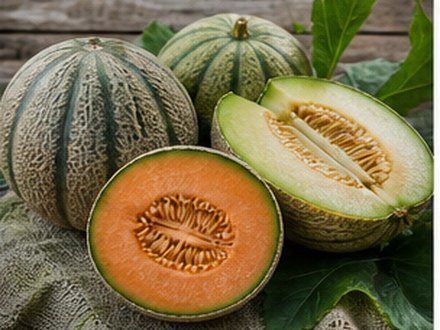
| Warm-season vegetables | Corn, cucumbers, melons, pumpkins, and squash | Warm-soil planting, short indoor starts, root-sensitive transplanting, and successions |
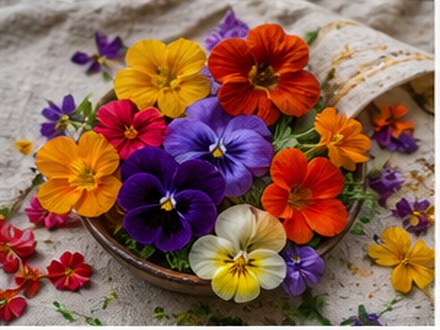
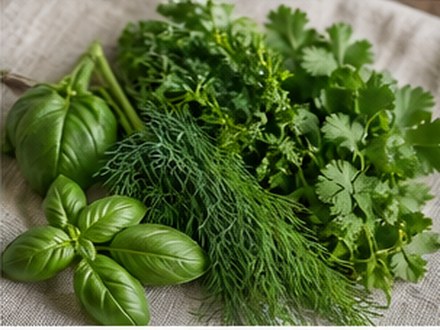
| Herbs & edible flowers | Culinary herbs and edible flowers | Slow herbs, tender herbs, hardy flowers, tender flowers, and outdoor planting |
Broader browsing collections such as Culinary Seeds Canada, specialty seeds, new varieties, and seed bundles can contain several crop families. The tool therefore asks you to select the individual crop categories inside them so it can calculate accurate dates.
These are useful reminders, not decorative dates
Each calendar event contains an action, a practical note, and a link to the related Casa Verde seed collection. Depending on the crop, your schedule may include:
- Start indoors: early reminders for peppers, onions, eggplants, tomatoes, herbs, brassicas, and flowers that benefit from a head start.
- Pot up: prompts to move crowded tomato or eggplant seedlings before growth stalls.
- Harden off: gradual outdoor exposure for seedlings raised under lights or in protected conditions.
- Direct sow: timing for peas, radishes, carrots, corn, hardy greens, herbs, and other crops best placed in the garden.
- Transplant or plant outside: separate treatment for cold-tolerant crops and heat-loving plants.
- Thin and support: jobs such as thinning roots and installing pea supports before roots are disturbed.
- Succession sow: follow-up dates for radishes, greens, carrots, beets, cucumbers, corn, squash, and more.
- Fall crop: reminders for selected brassicas, roots, and Asian vegetables that often improve as temperatures cool.
For example, a pepper schedule begins with slow varieties approximately twelve weeks before frost, moves to most peppers around ten weeks before frost, then schedules hardening off and a later transplant date that deliberately leaves room for warm nights and warm soil. Tomatoes begin later and include a pot-up reminder. Peas and radishes move in the opposite direction: they are timed for cool, workable soil well before tender crops.
Apple Calendar, Google Calendar, Outlook, ICS, and print
The recommended option: subscribe to a separate calendar
The cleanest setup is to subscribe to the Casa Verde Seed Calendar as its own calendar. Your planting reminders stay separate from personal appointments, with a recognizable calendar name and colour. If you change plans or decide it is not for you, unsubscribe from that calendar and the full set of reminders disappears together. You do not need to delete dozens of events one by one.
Google Calendar
Google users can open the generated schedule in Google Calendar. If you prefer the removable one-calendar approach, use the subscription feed and add it as a calendar by URL rather than importing every event into your primary calendar.
Apple Calendar and Outlook
The standard ICS format works with Apple Calendar and Outlook. A subscription keeps the reminders grouped; a file download provides a portable copy. The calendar page also offers a print-friendly version for gardeners who prefer a paper schedule in the seed-starting area.
Free for email subscribers or CA$19 standalone access
Casa Verde email subscribers receive the complete personalized calendar free. The Seed Letter includes seasonal growing notes, useful releases, and occasional Casa Verde offers, and you can unsubscribe from marketing email at any time.
If you want the calendar without joining the marketing email list, standalone access is CA$19. It is the same complete tool: all 30 categories, frost-date personalization, calendar integrations, reminders, and printable schedule. The paid option is a digital service; no physical product is shipped.
How to get the most accurate schedule
- Use a local frost estimate, not a national average. A nearby reporting station is more useful than a province-wide date.
- Rebuild the schedule when your crop list changes. There is no benefit to receiving cucumber reminders if you decided not to grow cucumbers.
- Watch soil and overnight temperatures. Frost-free does not automatically mean warm enough for peppers, melons, eggplants, or cucumbers.
- Judge the seedlings in front of you. Size, root development, light exposure, wind, and watering history matter.
- Use the notes inside each event. They explain the purpose of the date and help you decide when local conditions call for a delay.
Frequently asked questions
Does the calendar work everywhere in Canada?
It can be used across Canada because you supply the local last-frost estimate. Coastal climates, short northern seasons, high-elevation gardens, greenhouses, and protected urban spaces may still need local adjustment.
Is it a hardiness-zone calendar?
No. Hardiness zones describe average winter cold. The spring schedule is anchored to the last-frost date you enter, which is more directly useful for timing seed starts and transplants.
Does it include every Casa Verde seed product?
It covers the catalogue through 30 crop categories. Products within the same crop family share the relevant schedule. Broad bundles and mixed collections are handled by selecting their individual crop categories.
Can I edit the dates?
The tool recalculates all dates when you change the frost date or crop selection. Once events are in your personal calendar, the behaviour of individual edits depends on the calendar app and whether you subscribed or imported them.
Can I remove all reminders at once?
Yes, when you use the separate calendar subscription. Unsubscribe from the Casa Verde Seed Calendar in Apple Calendar, Google Calendar, or Outlook to remove the complete calendar.
Will it update automatically if the weather changes?
No. It is a frost-date planning system, not a live weather service. Use the forecast, soil temperature, and plant condition before acting on a reminder.
How many reminders will I receive?
That depends on your crop selection. A complete garden can generate up to 76 distinct reminders; a focused pepper or kitchen garden produces a smaller, more relevant schedule.
Is the calendar really free for subscribers?
Yes. Casa Verde email subscribers receive access to the complete tool free. Gardeners who do not want marketing email can purchase standalone access for CA$19.
Build your planting year around your garden
Choose your frost date, select the crops you are actually growing, and turn a pile of seed packets into one practical schedule.
